
OpenPlan3D makes a home plan editable without an account
A free, open-source floor-plan editor with 2D drawing, 3D furnishing and local browser work.
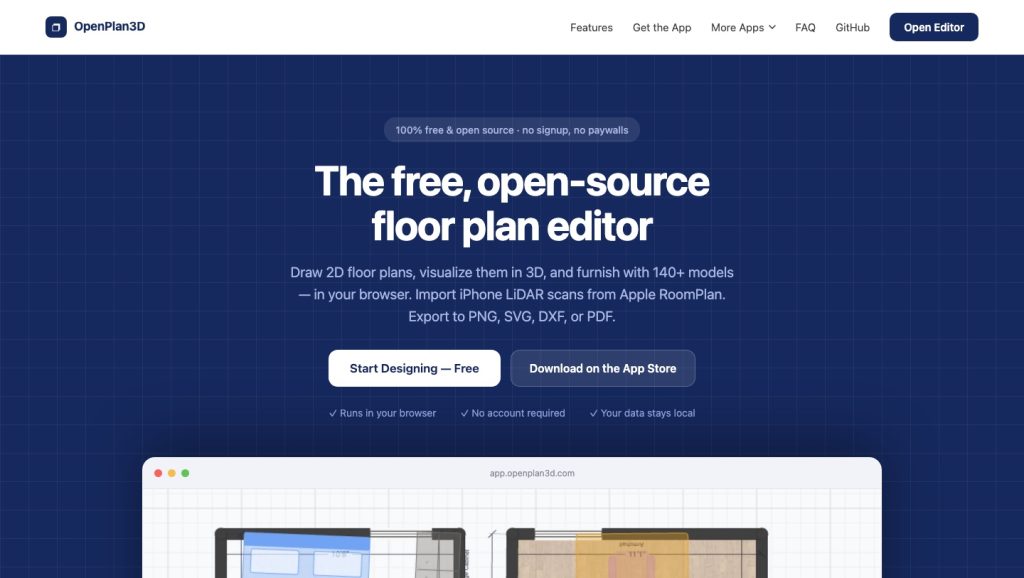
The first obstacle in a home-planning project is often not drawing a wall. It is getting into the software at all: create an account, choose a plan, learn a CAD interface, and only then test whether the sofa will fit. OpenPlan3D takes a simpler route. The browser editor from independent studio theLodgeStudio opens without registration, lets a user draw a 2D plan, and turns it into a furnished 3D view. Its code is public, and the team says the product has no paid feature tier. That makes it a practical sketching tool for somebody comparing room layouts before a renovation conversation begins.
From a rough room to a space you can walk around
The editor is built around the connection between a flat drawing and a spatial model. Place walls and openings in plan view, then inspect the same arrangement in 3D and try furniture at scale. The official site lists a library of more than 140 models and exports to PNG, SVG, DXF and PDF. These are useful outputs for different moments: a quick image for a family discussion, a vector drawing for further work, or a PDF that can accompany notes to a contractor. OpenPlan3D also describes an iPhone companion that can bring Apple RoomPlan LiDAR room scans into the workflow. That feature depends on compatible hardware; the browser editor does not require an iPhone.
A 3D room can reveal a mistake that looks harmless on paper. A table may clear a wall yet block the passage to a door, or a cabinet may dominate a small kitchen once height is visible. Being able to move objects and immediately see the effect is the main attraction here. It does not remove the need to measure the real room, account for tolerances, or get a professional drawing where permits or structural changes are involved. A browser plan is an exploration aid, not an engineer's approval.
The open-source part is concrete
theLodgeStudio publishes the floor-plan editor's source code and identifies SvelteKit and Three.js as key web technologies. The product's about page says the editor is completely free, with no signup and no premium tier. It also says project data stays local during browser use. Those choices make it easier for a curious user to try one room without making a long-term commitment to a service. They also create a trade-off: a local browser project needs careful exporting or backup if you want to keep working across devices or after clearing browser storage.
The public site offers a live editor and an iPhone app, so this is beyond a design mockup. What the reviewed sources do not establish is an audited number of active planners, exported homes or completed renovations. There is no reason to infer commercial traction from the existence of a polished interface. The visible result is a usable browser tool, a source repository that developers can inspect, and an export path that keeps an idea from being trapped in a screenshot.
Where it fits
OpenPlan3D is strongest at the early question: what could this space become? It is suitable for testing furniture arrangements, discussing a new internal layout and making a first visual reference. It is less suited to cost control, permit management or a contractor's quantity takeoff; the other tools in this selection address those jobs. The appeal is its low barrier. You can open a tab, draw the room you have, save an export and discover whether the proposed layout deserves a more precise professional pass.
Sources: OpenPlan3D features and live editor; studio, licensing and product approach.
Project page screenshot captured by CoderHype on October 6, 2026 for this independent editorial listing.
CoderHype Score
A quick way to compare projects on CoderHype. Scores can change over time.
Log in to rate this project.
Is this your project?
We listed this project to help people discover it. If you made it, send us a claim and we can put it under your CoderHype account after checking your connection to the project.
More projects to explore

Virtual Staging
Furnish empty rental photos in minutes, with CG disclosure built in.
Drywall Planner
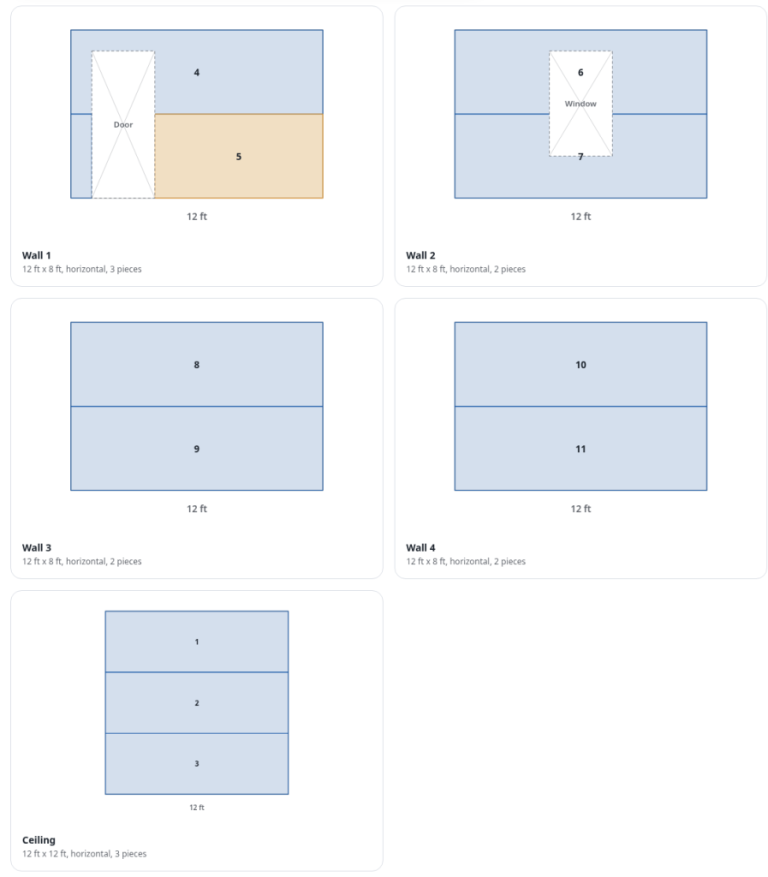
Free drywall calculator with a sheet-by-sheet layout planner that reuses offcuts for DIYers and contractors.
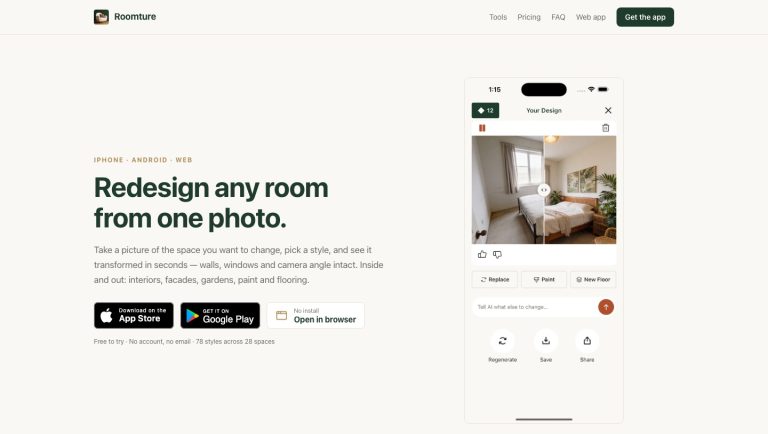
Roomture tries a new interior in the room you already have
A photo-based interior visualizer for testing styles, wall colors, flooring and individual object changes.