
Spreadsheet to App
Build hosted apps from spreadsheet data with AI. Describe the workflow, preview it in Studio, and publish when it is ready.
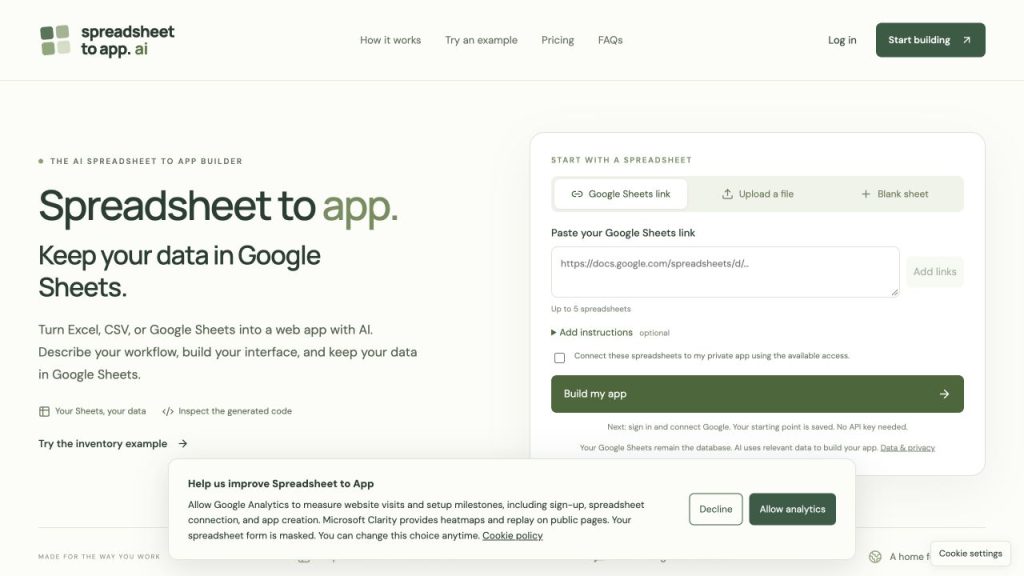
Teams often have a working spreadsheet long before they have a usable internal app. A stock sheet may hold the right quantities and product names, but a coworker who only needs to look something up still has to find the right tab, understand the columns, and avoid changing a shared record by mistake. Spreadsheet to App helps turn that existing data into a web interface.
The starting point is a Google Sheet. If your data is in Excel or CSV, import it into Google Sheets first. Describe what you want people to do, using plain language. Studio gives you a place to preview the generated app, see how it handles the spreadsheet data, and refine the workflow before you publish.
For example, a small team can start with a spreadsheet that tracks stock and ask for an inventory browser that lets staff search for an item and see its available quantity. A second use case is an internal request form, where the app gives people a focused place to submit information. A dashboard can give the team a view of the important data without requiring everyone to navigate the spreadsheet.
Google Sheets stays connected as the data source for the published app. That makes the builder a fit for people who want to keep using their existing data while giving colleagues an interface shaped around a specific task. The free plan includes one app, one seat, and a limited AI allowance, so makers can preview and test a small workflow before deciding whether they need more capacity.
CoderHype Score
A quick way to compare projects on CoderHype. Scores can change over time.
Log in to rate this project.
Is this your project?
If you made this project but it is linked to another CoderHype account, request an ownership review. We will verify your connection before changing the owner.
More projects to explore

LunaSites
A no-code website builder that combines AI-assisted creation, visual layout controls and a built-in CMS.