
PDF Fan
A free browser tool for pulling selected pages out of a PDF when you need to share an excerpt rather than the whole file.
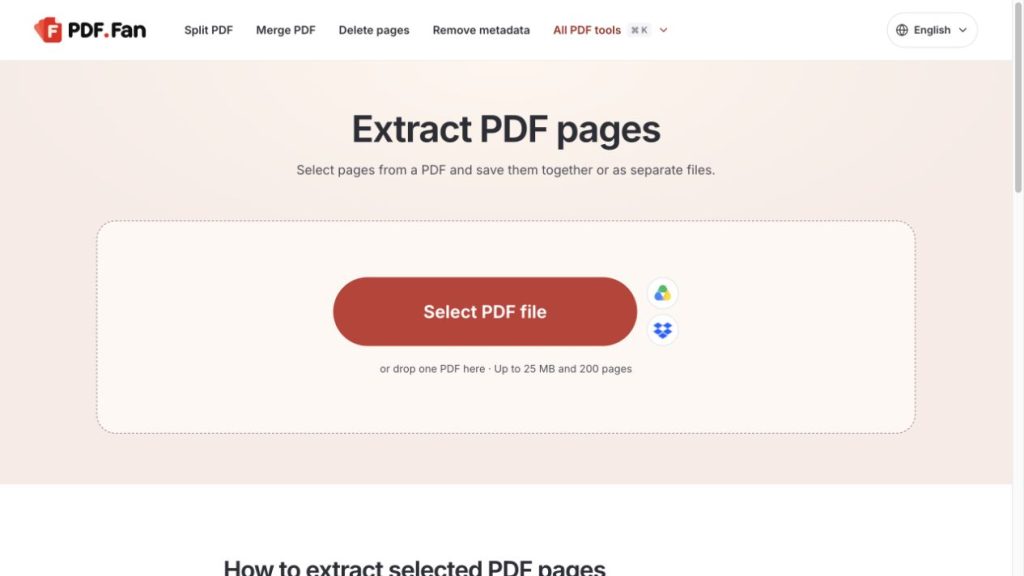
A document packet can contain more than the person receiving it needs. A supplier may ask for the signed page and an exhibit, or a classmate may need two pages of a handout. Printing the entire PDF and scanning those pages again is slow, especially on a phone, and can turn searchable text into an image. PDF Fan has a dedicated extraction tool for this job. Open the PDF, pick the pages you need from the thumbnails, and download a separate document. You can pick pages that are far apart, such as pages 2 and 7, in one pass. The original document stays as it was.
The tool is released, free to use, and does not require a PDF Fan account. The tool is available in English and several other languages. The browser processes the input PDF. The generated file can have a temporary download or sharing link, so the distinction between handling the original and storing an output copy matters. If all you need is to send an excerpt, double-check the thumbnails before extracting and open the exported PDF before attaching it to a message.
A useful test for this project is to take a sample PDF with page numbers printed on the pages, select two nonconsecutive pages, and check that the new document has exactly two pages and that you can select text if the original text was selectable. Feedback on whether the thumbnail selection and the download step are clear on a phone would help.
CoderHype Score
A quick way to compare projects on CoderHype. Scores can change over time.
Log in to rate this project.
Is this your project?
If you made this project but it is linked to another CoderHype account, request an ownership review. We will verify your connection before changing the owner.
More projects to explore

Crypto AI: Trading Strategies
Inspect 53 crypto strategy backtests on Android, with AI market reports that link to their sources.
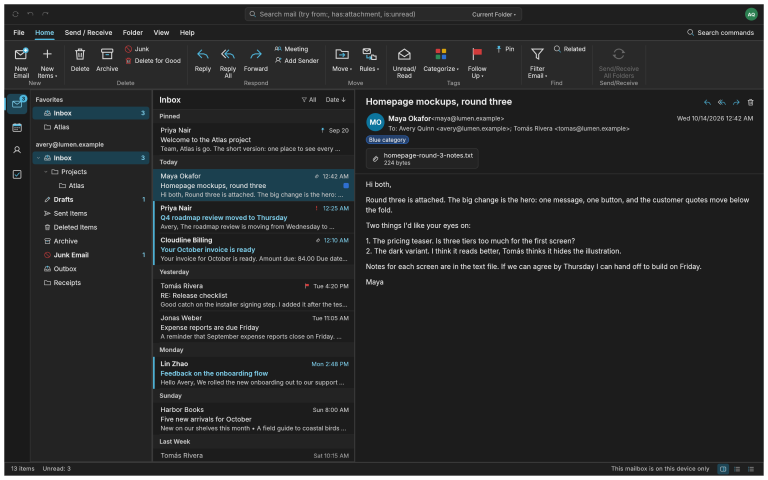
MailCraft – Despres Connect edition
A free, open-source desktop email client with calendar, contacts and tasks.
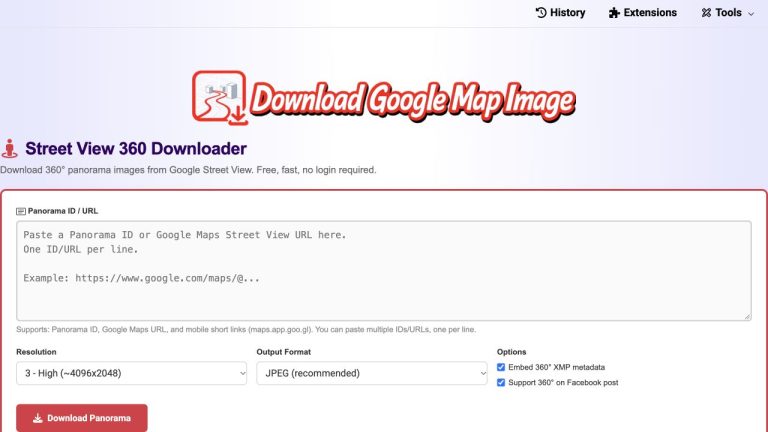
Street View 360 Downloader
A browser tool for turning Street View links into panorama files, with batch input, resolution controls and optional 360-degree metadata.