
3D New Era AI lets an agent draw walls you can inspect and undo
An open-source home design editor with 2D plans, 3D rendering and agent-controlled, reversible changes.

A conversational home designer is easy to describe and hard to make trustworthy. If an AI moves a wall, the person planning a house needs to see what changed, know the dimensions and be able to reverse the action. 3D New Era AI is an open-source attempt to build that loop into a real floor-plan editor. It offers desktop applications for Windows, macOS and Linux, a browser editor, and an MCP interface through which an assistant can draw, furnish, inspect and render a project. The human can still use the visible editor and undo commands.
A model that stays connected to the drawing
The software handles walls, doors, rooms and storeys as editable objects rather than treating a generated image as the design. Its public documentation describes measured furniture, parametric cabinets and countertops, roof forms, lighting, materials and camera views. A user can import a scanned plan for tracing or open a Sweet Home 3D project, then compare variants and export drawings or 3D models. The showcase includes a 105-square-meter apartment that the creator says an AI agent traced, furnished, lit and rendered through MCP. That is a demonstrative project, not proof that every scanned plan will be recovered correctly.
Agent tools are divided into reads and changes. A connected client can inspect room areas or object positions before it proposes a modification, and changes pass through the same undoable commands as human edits. The repository documents compact object identifiers and centimeter coordinates to keep instructions precise. That is a better foundation for an assistant than sending screenshots back and forth with vague requests to 'make the kitchen bigger'. It still requires human checking: an agent can choose a plausible layout that ignores an existing beam, a local code requirement or the true dimensions of a product.
Three ways to run it, with different data paths
The desktop editor stores projects on the user's machine and exposes an optional local MCP server. The browser editor needs no account; its optional agent connection uses a temporary relay while the tab is open. A hosted connector instead keeps account projects on a service and uses email sign-in, with a quota and optional paid support tier. These are different privacy and operating models, even though they share the same design vocabulary. Someone with sensitive plans should choose deliberately and read the connection instructions before sending a floor plan to any external AI provider.
The public repository is written in Rust and is dual-licensed under Apache-2.0 or MIT. It documents desktop builds, the browser version, the MCP tools and command-line use. This is substantial shipped software: the site offers downloads and a browser app, while the source makes the design model inspectable. It is also a technically ambitious project. The repository describes ergonomics checks, light estimates, and electrical and plumbing overlays; those features are useful prompts for review, not a substitute for a licensed professional or for checking the local rules that apply to a real building.
The visible outcome and its limit
The project has a working public site, installers, source code and a documented apartment showcase. The sources reviewed do not provide independently verified active users, paid customers or completed buildings. That distinction matters more here than in a casual image app: the risk of treating a beautiful visualization as a build-ready plan is real. Its most compelling use is fast, reversible exploration with dimensions visible. Try two alternatives for the same room, inspect the object list, and take the promising option to an architect, builder or engineer for decisions that affect safety and cost.
Sources: 3D New Era AI site and browser editor; source, showcase and MCP documentation.
Project page screenshot captured by CoderHype on October 6, 2026 for this independent editorial listing.
CoderHype Score
A quick way to compare projects on CoderHype. Scores can change over time.
Log in to rate this project.
Is this your project?
We listed this project to help people discover it. If you made it, send us a claim and we can put it under your CoderHype account after checking your connection to the project.
More projects to explore

Virtual Staging
Furnish empty rental photos in minutes, with CG disclosure built in.
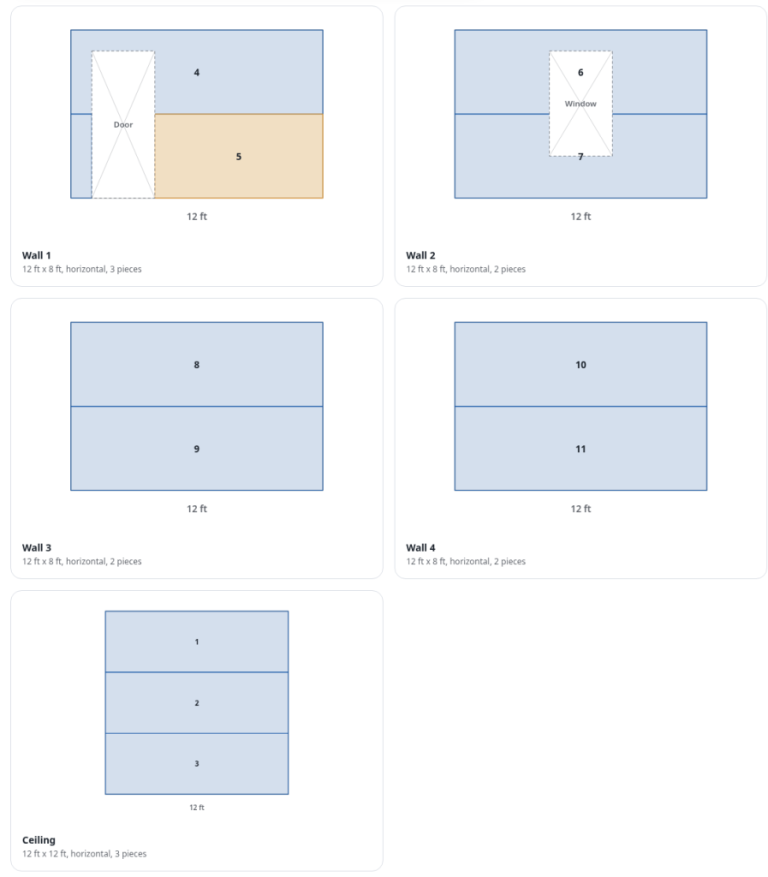
Drywall Planner
Free drywall calculator with a sheet-by-sheet layout planner that reuses offcuts for DIYers and contractors.

Layout Line keeps the budget beside the renovation plan
A renovation workspace for material calculators, shopping lists, budgets, floor plans and job progress.